
What happens when the only person who knows the process is away?
In a small company the work that matters lives in a few heads and a shared drive. ProcesOS moves it into a process the whole team can see, run and improve.
Your first steps
What does the first hour ask of you, before you commit to anything? Here is the path a company owner walks, from the wizard to the first system the company runs.
-
Found the company
Name your company in the wizard and its workspace is created. It comes with a waiting room for the people who apply to join.
-
Work through the setup
Eight sections lead the way, with inviting members last. Once you name your management board, the setup shows who decides on applicants.
-
Read your capability tree
Each branch of the organisation tree says where you stand in plain words and counts. You see what is in place and what is still open.
-
Adopt a capability
Take on purchasing and it is yours straight away. A capability that depends on another one stays locked and names the one it waits for.
-
Start from a repository
Paste the address of a public GitHub repository and three ways to run it are proposed. Nothing is saved until you pick the ones you want.
-
Say what running it takes
State that running it yourself needs infrastructure operations. That way of running it then names what your workspace still lacks.
-
We run this now
Confirm that the software runs. It joins your IT systems and can be picked in the process editor.
- Not built yet
The licence in your compliance profile
Your compliance profile picks up the licence the repository declares.
Who keeps it up to date once the first version is done?
Writing the process down is the easy part. Keeping it true to what the team really does is the part that quietly dies, so ProcesOS turns that upkeep into skills and XP for the people who do it.
-
A process runs
Somebody works through a step in the real workflow and records it.
-
A skill grows
The work lands on the skill it belongs to, credited to the person who did it.
-
A tier is reached
XP adds up to bronze, then silver, then the tiers above it.
Five questions a small company asks before it starts
- What happens when the one who knows the process is away?
- The process sits in one diagram the whole team reads the same way, with a named person responsible on every lane.
- What does a weekly meeting cost you?
- A meeting is an element of the process, priced from its headcount and its share of the meeting room, so the figure lands in your process costs.
- Who runs the software you depend on?
- Paste the repository of a tool you use, and ProcesOS proposes ways to run it and records the system once you do.
- Who may sit in which lane?
- A lane names the credential its seat requires, and taking the lane on without it starts the course that leads there.
- How do you bring a new person in without a form sent by e-mail?
- The request to join is the application: it carries your questions and courses, and the applicant waits in the waiting room until you decide.
One diagram everyone reads the same way
Model the process in a BPMN editor made for it, with an AI assistant on hand while you refine it. The picture then replaces the explanation nobody has time to give twice.
Watch it happen in the bakery storyStart from a workspace that already works
Clone a template with its roles and processes in place, then adapt it. The bakery template is a complete operational setup.
Browse the template marketplaceWhat does this process actually cost you?
Put times and rates on the steps, compare the paths, and see which variant is the expensive one. The case for changing it then rests on your own figures.
See the costing in the bakery storyThe people who improve it get something back
XP tiers and skill levels turn process work into progress that belongs to the person who did it, so improvement keeps a champion after the kickoff.
See how skills are built in the AcademyCosts that follow the size of your team
Start on a free workspace. When you need more, subscriptions, invoices and tax run through Stripe.
See what a workspace costsTwo first months, told step by step
Karl, owner of a ten-person company
The company depends on a tool one employee set up years ago, and nobody else knows how it runs.
- He creates the company workspace and names the management board, the body that decides on applicants.
- On the capability tree he takes procurement. Backoffice stays locked and names the capability it waits for.
- He pastes the tool's public GitHub repository. ProcesOS proposes three ways to run it and writes nothing until he picks.
- He states that hosting it himself needs infrastructure operations, and the self-hosted way now names what the company is missing.
- "We run this now" records the tool as an IT system, ready to pick on a task in the process editor.
- Not built yet The tool's licence, read from the repository, shows in the workspace's compliance profile.
Result: The tool is a recorded system with a known way to run it, and the capability it serves moves into setup.
Karl's office manager
The team plans its week on a Trello board and is not going to leave it.
- She asks for Trello in the workspace, and Karl receives a setup quest whose steps link the lessons of the Trello course.
- Karl connects his Trello account and binds one board and its done list.
- "To Trello" turns each lane of a validated process into a list and each task into a card.
- Published quests arrive as cards on the board's Quests list.
- A task card moved to the done list records the task as run by the person responsible for its lane.
Result: The team keeps its board, and ProcesOS knows which task ran and who ran it. Only "done" comes back from Trello.
And when purchasing becomes its own team?
A team created from the cockpit works on its parent's Trello board, Odoo books and Google Drive, so nobody sets them up twice. It keeps its own forum and its own quests.
Start free. Scale with your needs.
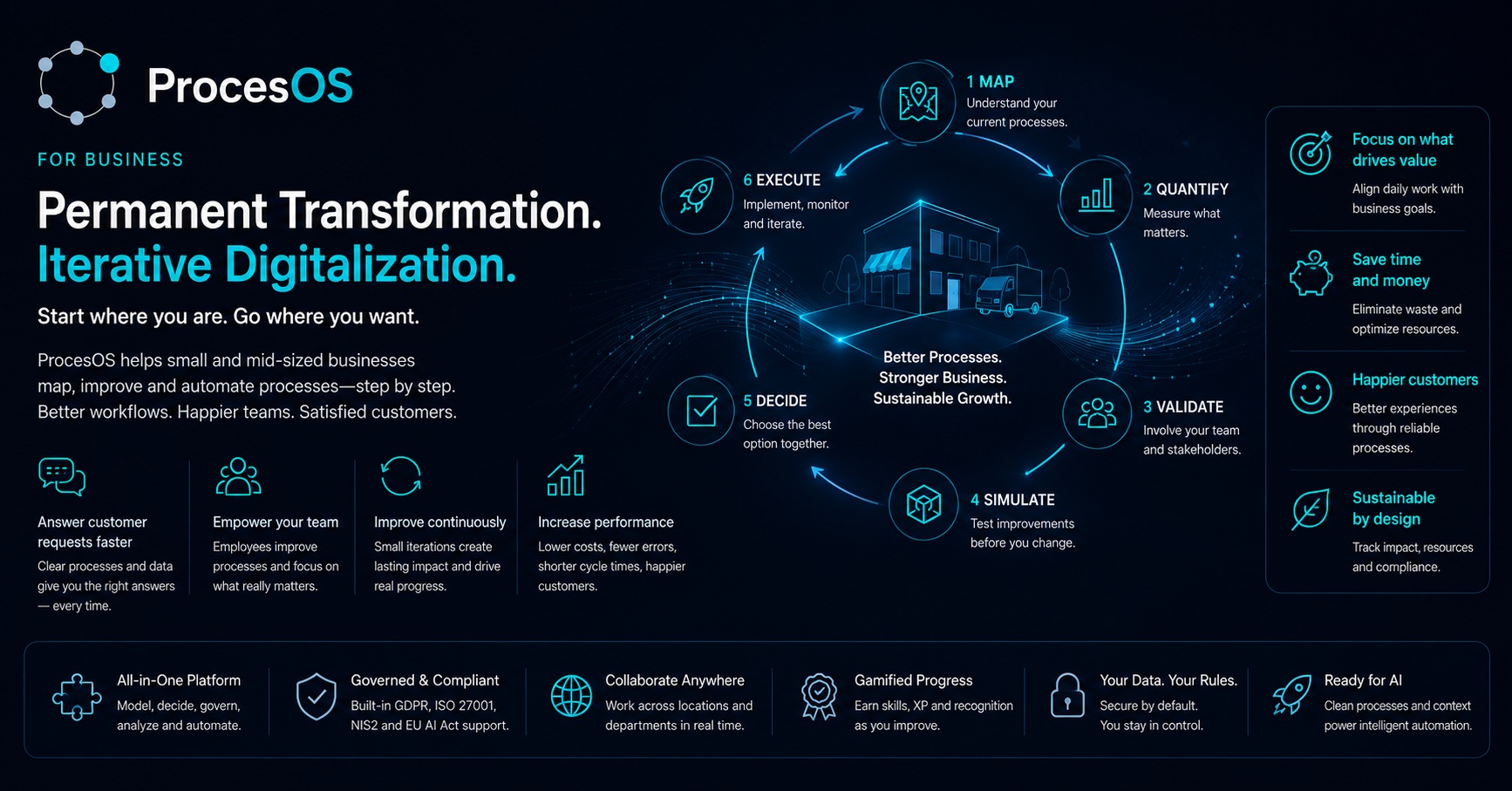
Change often fails when the wrong people are left out. So you pay per workspace, and every stakeholder you invite is free.
Starter
For initial process clarity
- 1 workspace, up to 5 members
- Unlimited stakeholder invites
- 3 validated processes at a time
- BPMN editor and basic analytics
- Governance wizard
- AI assistant (15K tokens/week)
- Academy access and community support
Professional
For consultants and teams actively improving processes
- Unlimited validated processes
- AS-IS/SHOULD-BE versioning
- Workspace cockpit and KPIs
- Advanced governance and reports
- Gamification studio
- Module access
Team & Scale
For multi-workspace structures and API-driven integration
- Up to 5 workspaces included
- +€39/mo per additional workspace
- Team management and groups
- White-label options
- API access
- BYOK for AI
- Priority support
Education, non-profit or public sector? In the discovery call we look at whether your project qualifies for a reduced licence. Ask as well if your operating model is not listed here.
Check eligibility in a discovery callWhat does it cost per person?
A process is only signed off by the people who actually run it. When every one of them needs a paid seat, the invite list gets shortened and the sign-off is worth less. Every amount here is per workspace, so it divides by everyone you bring in.
| People in the workspace | Team & Scale €249 per month | Pilot Set €219 per month |
|---|---|---|
| 5 | €50 | €44 |
| 20 | €12 | €11 |
| 50 | €5 | €4 |
The monthly list price divided by the people who use it, rounded to the euro. Professional and Team & Scale set no limit on how many people a workspace has.
Capability Modules
Add specialized capabilities to your Pro or Team plan. Mix and match as needed.
AI Studio
AI assistant, auto-edit, diagram from documentation. Includes 500K AI tokens a month for the whole workspace, or bring your own key on Team & Scale.
Compliance & Certification
Gap analysis, scoring and a certification pipeline for the frameworks you are audited against, among them DORA, NIS2 and ISO 27001.
ESG & Resources
Resource tracking, greenhouse gas accounting across Scopes 1 to 3, and sustainability scoring.
CMDB & IT Governance
A registry of your IT systems with their licence costs and the landscape they sit in. FAIR assessment included.
Continuity & Resilience
What stands still when a system fails: the cascade through dependencies, processes and partners, with recovery times held against what each process can bear. Builds on the CMDB.
Global Technology Tree
Plan capabilities as a graph: what your organisation can do today, what it needs next, and what each step depends on.
Solutions Marketplace
Publish solutions with Sustainable Impact scoring, and submit them for the FAIR Passport, which AIFOD's examiners decide.
Academy Publisher
Create courses, certifications, and on-chain credentials for your workspace.
Odoo ERP Integration
Connect your Odoo instance: partners, projects and resource data flow into the processes you model.
hiop.io DataOps
Managed data pipelines through hiop.io. They ingest and transform operational data, then hand it back to your processes.
Save with Bundles
Select a bundle to highlight the modules it includes.
Start with the process that hurts most.
A free workspace without a credit card. It fits a team of two and still holds up at fifty.